
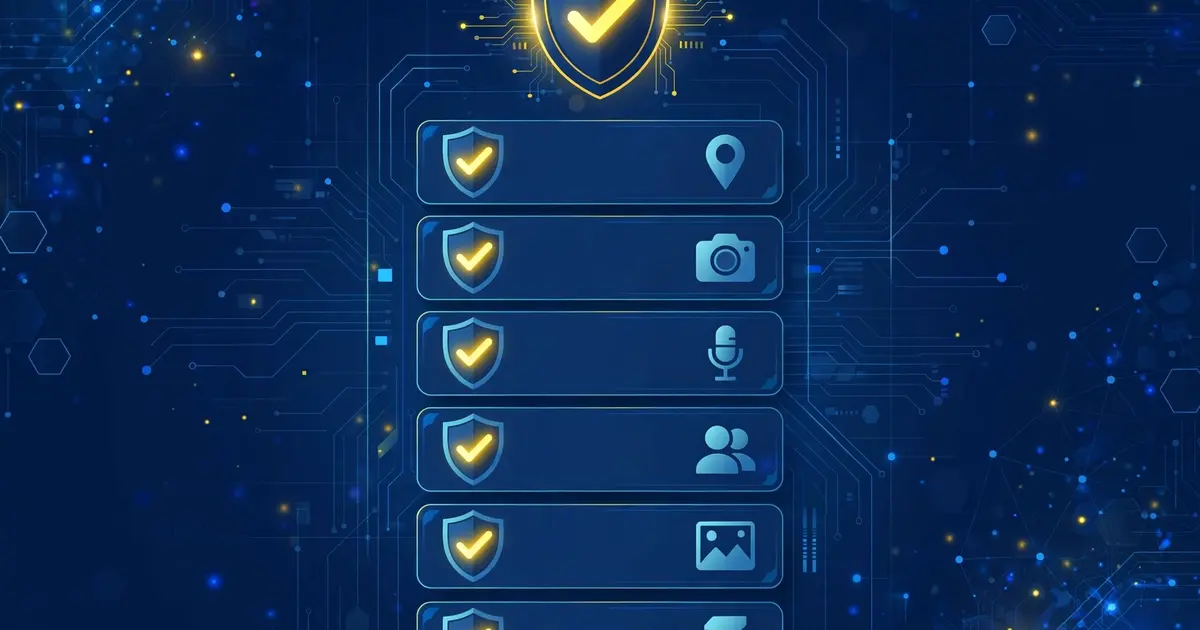
The principle
A permission should match a feature. If the app shows dashboards and manages an account, permissions around storage, network, and notifications make sense. Anything beyond that deserves a question.
Network access
Required. Binding, verification, and every dashboard section that talks to a server need the internet. Denying this breaks the app's core purpose.
Storage
Used for the app's own data and preset files. Normal for this kind of tool. If a permission screen mentions broad file access you are uncomfortable with, scoped storage on modern Android already limits the blast radius.
Notifications
For verification codes and mail alerts. Optional in the strict sense, but you will miss time sensitive prompts without it.
What to question
Contacts, SMS reading beyond verification, location, or device administrator rights have no business in this app. If any copy asks for those, stop and get the file from the official download page instead. The safety breakdown and the install walkthrough put permissions in their full context.