Why start as a guest
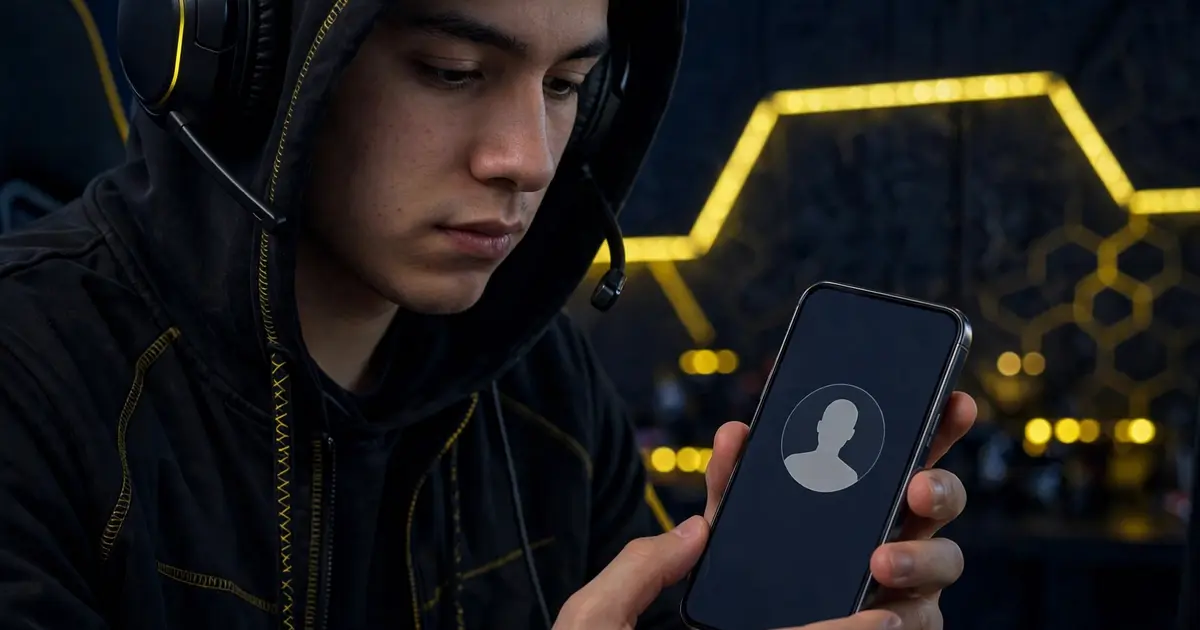
A guest account isolates the experiment. You learn the binding flow, test verification, and explore every dashboard section with zero risk to the profile you actually care about. If anything ever goes sideways, the blast radius is a throwaway account.
Setting it up
Create the guest profile in your game first, then bind its ID in the app following the binding walkthrough. The steps are identical; only the ID changes.
What to test as a guest
Run the full loop: bind, verify, tour the dashboard, save a preset, try the redeem section. Note anything confusing, because those notes become your checklist for the main account later. The ban risk guide explains why this order matters.
When to graduate
After a comfortable trial with no surprises, you can consider binding a main profile. Many cautious players never do, and that is a perfectly fine permanent answer.