What account binding does in this app
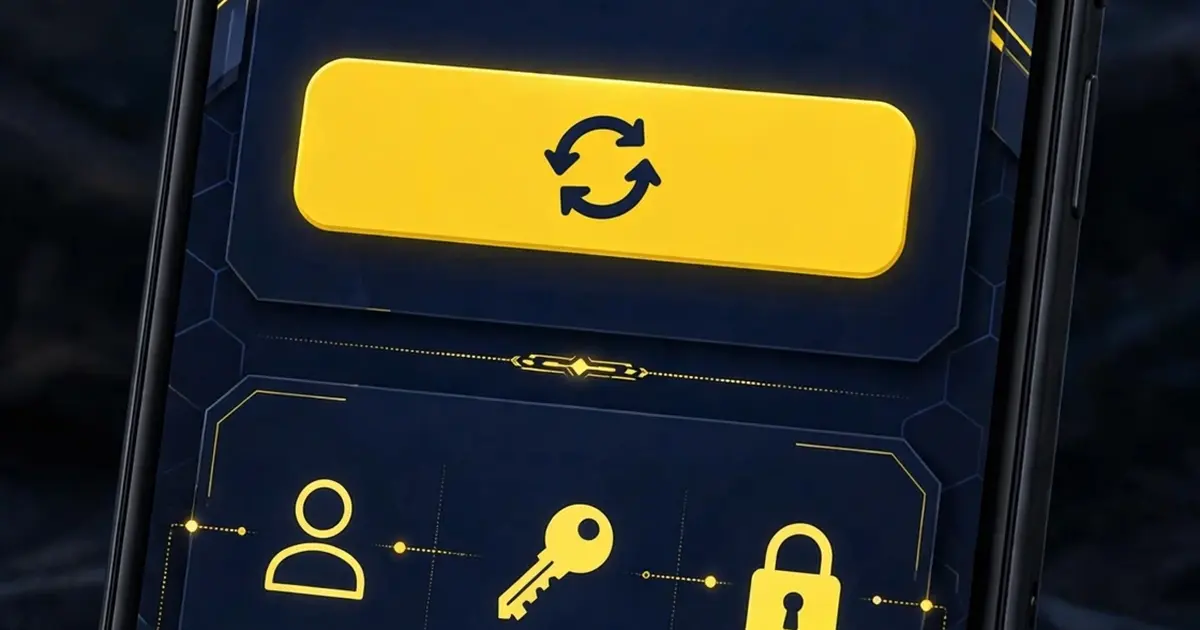
Binding connects your game ID to the app so its dashboard tools know which profile they apply to. Without a bound ID, most sections stay locked behind the account screen. Think of it as introducing yourself before the app opens its doors.
The binding steps in order
Open the app and go to the account section. Enter your game UID exactly as it appears in your game profile, then submit. The app runs a confirmation step, which may involve a short code or a tap to confirm. Wait for the success message before leaving the screen.
Do the steps in order and do not skip the confirmation. Players who rush past it end up with a half bound profile and locked menus, which looks like a bug but is just an unfinished bind.
What each prompt means
The ID field wants your numeric game UID, not your display name. The confirmation step proves the ID is yours. If the app asks you to verify, that is normal; the verification troubleshooting guide covers what to do when codes are slow.
Fixing the failures players hit most
Wrong digit is the top cause of failed binds. UIDs are long and one typo fails the whole attempt, so copy the ID from your game profile instead of typing it from memory. Weak signal is the second cause: binding needs a stable connection, so switch to Wi-Fi if mobile data keeps dropping.
If the bind button does nothing, force stop the app and reopen it, then retry from the account section. A stuck session from an earlier attempt is usually the culprit.
After a successful bind
Once bound, the dashboard sections unlock: profile, social areas, and the extra menus. Take the dashboard tour next so you know where everything lives, then grab the official Unlock Beta download if you are still on an older build.