The standard update
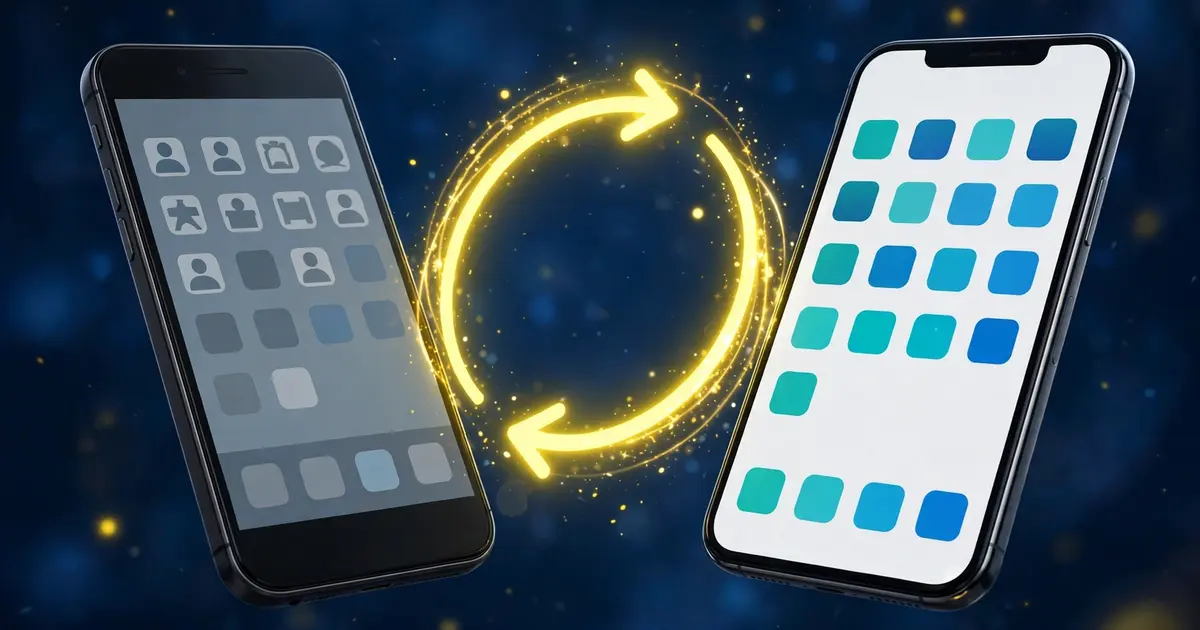
Download the new APK from the official download page and install it directly over your current build. Your dashboard settings and saved presets carry across automatically. This works because both files come from the same source with matching signatures.
When the installer refuses
A signature conflict means the installed copy came from somewhere else. The fix is a clean slate: uninstall the old build, install the new file fresh, and rebind your account with the binding guide. It takes five minutes.
What not to do
Do not uninstall before trying the overwrite install; you would wipe presets for no reason. Do not update from random mirror sites; mismatched signatures are how the conflict happens in the first place.
After updating
Open the app, confirm your presets survived, and run one quick bind check. The v98 highlights tell you what changed, and the older builds guide covers when staying put makes sense.