Unlock Beta logo
Vault Library
Back to Guides

Mail and Redeem Tools in Unlock Beta FF: Inbox, Gifts, and Codes

Master the mail and redeem sections in Unlock Beta FF: claiming gifts, using codes, and never missing time limited items.

Last updated: October 17, 2026

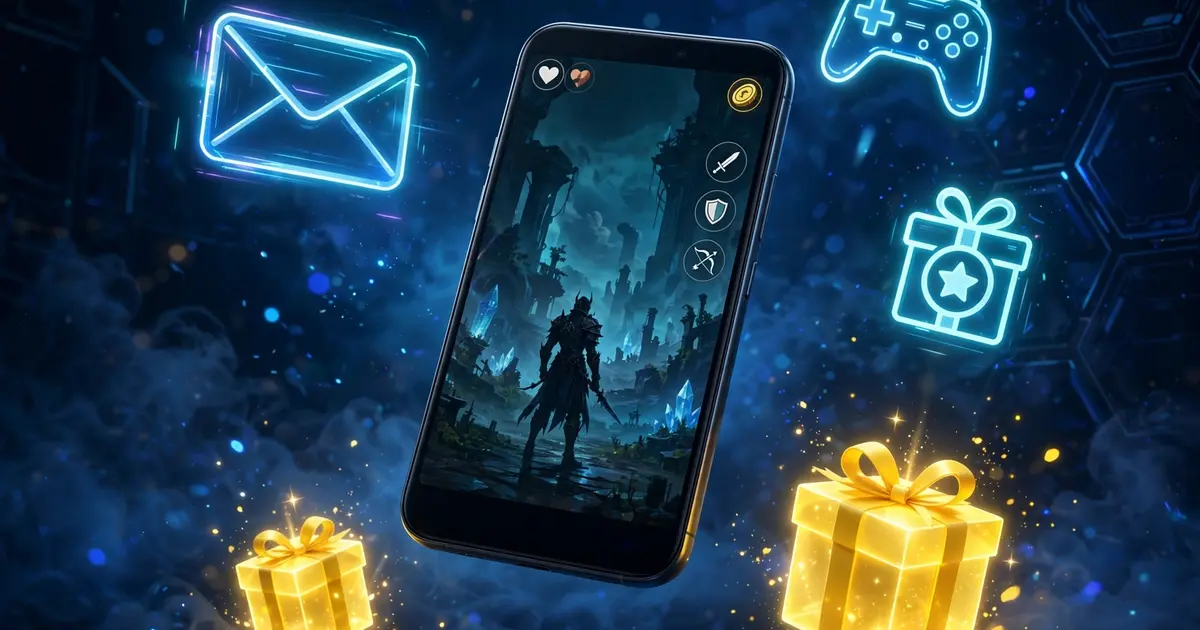
Smartphone with game inbox mail and gift redeem icons

The inbox

Mail is where the app talks to you: announcements, gift deliveries, and time sensitive notices. Check it every session; items with expiry timers will not wait.

Redeeming codes

Codes go in the redeem section, not the inbox. Enter them exactly, watch for confusing characters, and claim the same day you find them. Expired codes fail silently, which is the most common redeem complaint.

The rewards loop

Mail, redeem, and the point style systems feed each other. The rewards and shards guide explains the economy, and the dashboard tour shows where these sections sit.

Staying organized

Claim, then delete or archive read mail. A clean inbox means the next time limited gift is impossible to miss.

Quick answers

Where do I enter redeem codes?

In the redeem section, separate from the mail inbox.

Do mail items expire?

Many are time limited. Claim promptly.

I claimed something and it is not showing. Why?

Refresh the section or reopen the app. Stuck displays usually clear on relaunch.

Rafael Mendoza, Gaming App Reviewer

Rafael Mendoza

Gaming App Reviewer

Read the full profile →